
Once an order has been successfully paid for, you can generate and download a formal invoice for your records. This is available for every completed transaction within your account.
To download an invoice for an order:
Log in to your Papello dashboard.
Navigate to the Orders page.
Find the order you would like to get the invoice for and click on it to open the order details.
Click the "Generate Invoice PDF" button located in the top right of the page.
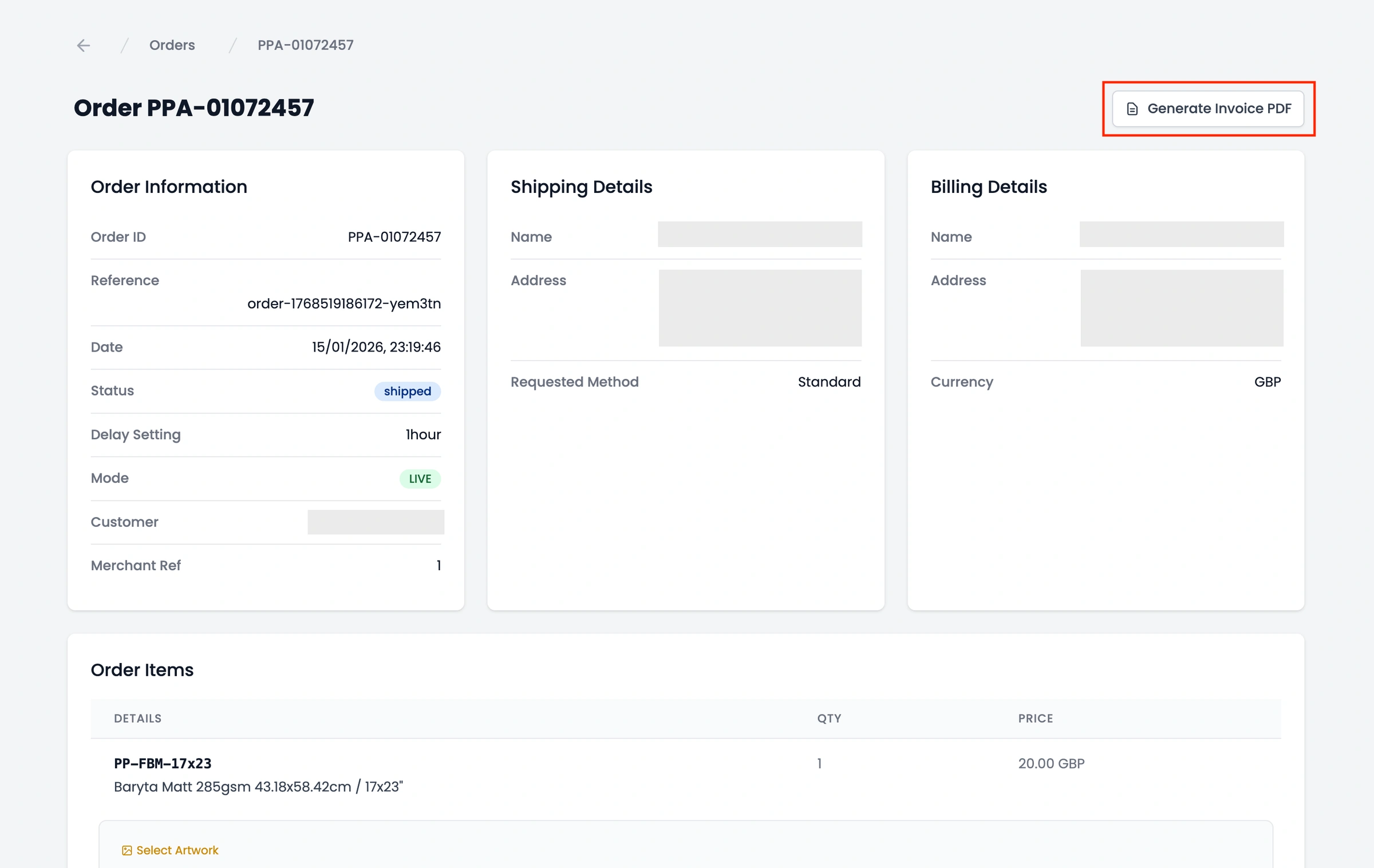
Your invoice will be generated immediately as a PDF file, which includes the itemised breakdown of costs, shipping, and any applicable taxes.
Note: Invoices are only available once the payment has been successfully processed. If an order is still "Pending" or "Failed," you will need to resolve the payment before the invoice becomes available.