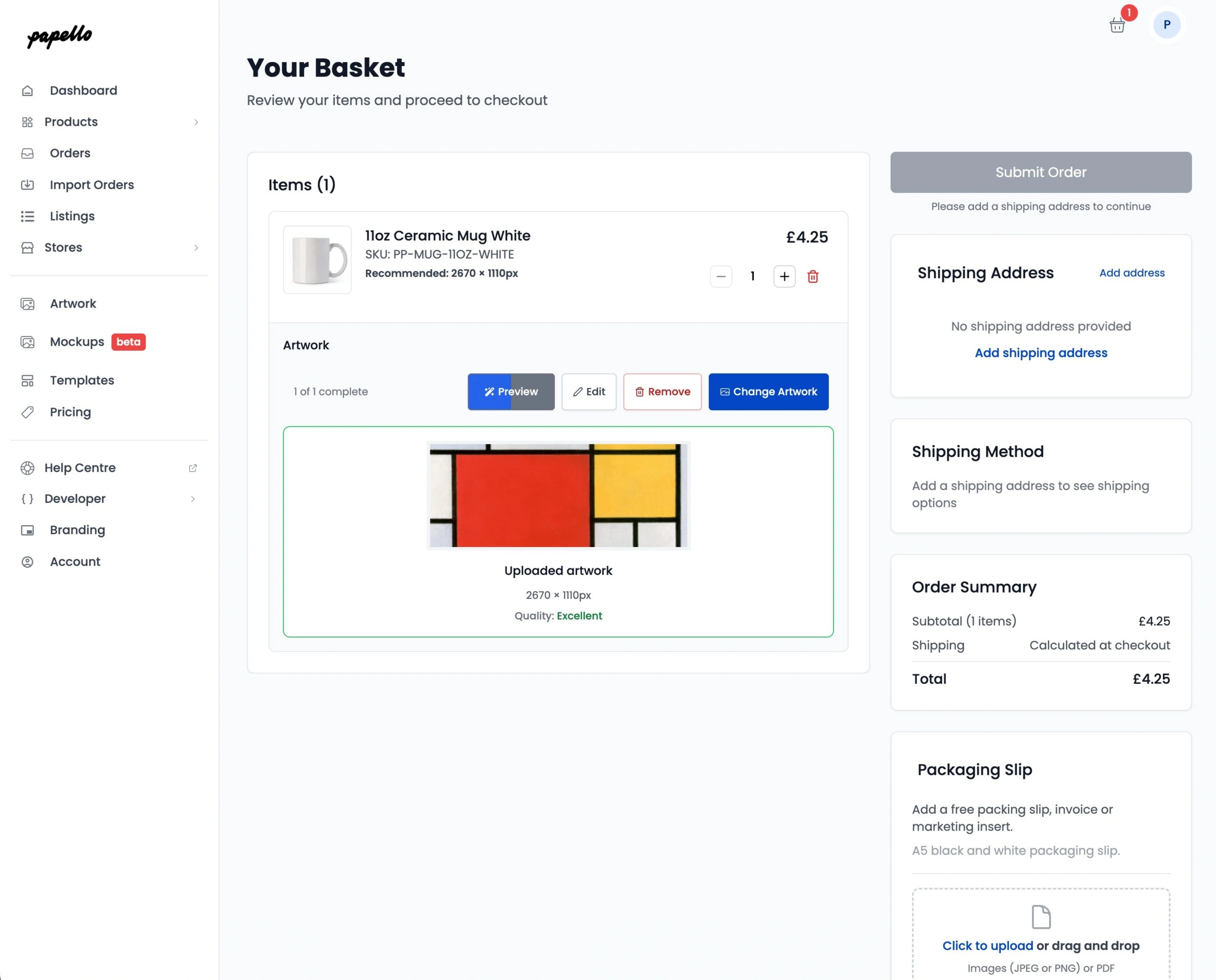
To achieve the crispest possible finish for your products, it is vital to use the correct image resolution. Resolution is measured in DPI (Dots Per Inch), which determines the level of detail your final print will hold.
The 300 DPI Standard
For the majority of our items, especially fine art prints and photographic papers, images with a 300 DPI are best.
A high DPI is optimal because the more dots of colour printed within a square inch, the more detailed and sharp your final image will appear. Using a lower resolution for these products may result in a soft or pixelated finish.
Exceptions to the Rule
Not every product requires the same level of density. For example, some products such as canvas prints can only be printed in a resolution of 150 DPI. This is often due to the texture of the material, which does not require the same dot density as smooth paper.
Finding Specific Dimensions
You do not need to guess the size for your designs. We make it easy to find the exact requirements currently you need them:
Real-time Specs: Every product displays its required dimensions as you add it to an order or set up an automation.
Product Pages: You can check individual product pages in our catalogue for more information on specific file requirements.
Our Quality Tool
If you are unsure about your file, our built-in Artwork Quality Checker will automatically compare your uploaded image dimensions against the product you have selected. It will flag a warning if the resolution is too low, helping you maintain our minimal quality expectations before the order goes to print.