
Before you begin, you should open a separate tab and login to your Etsy shop account.
1. From the dashboard page, select “Stores“
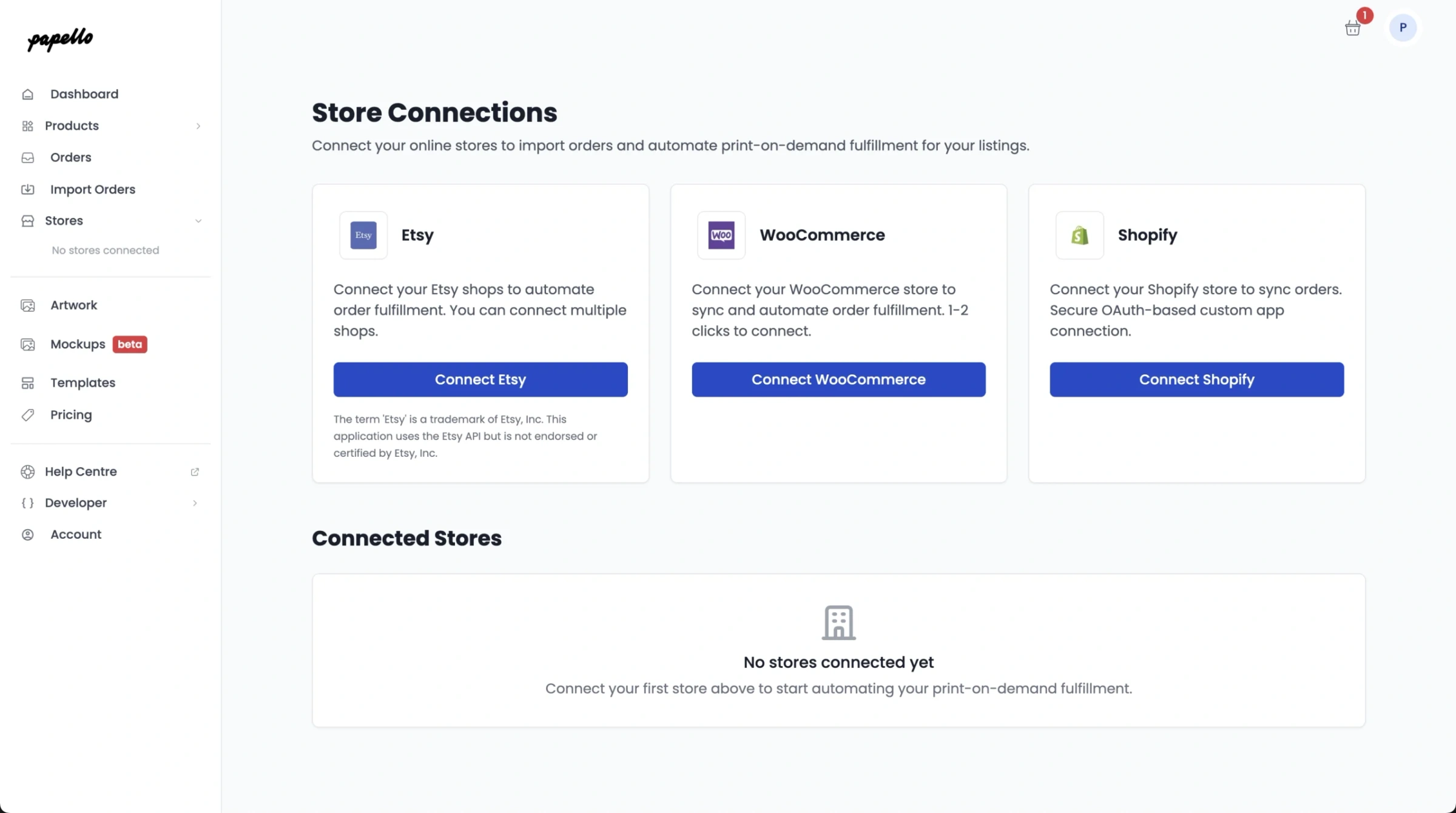
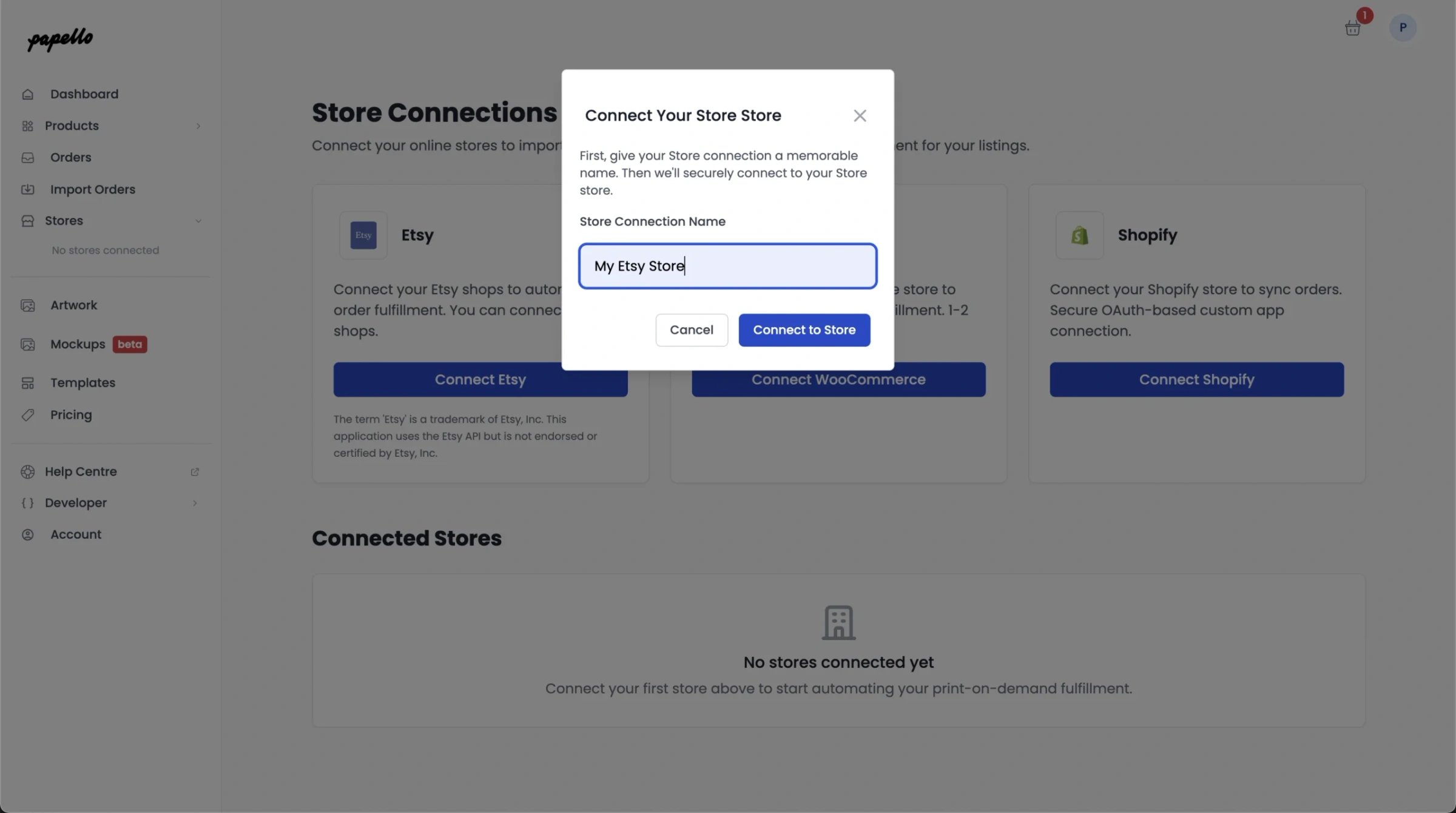
2. Click “Connect Etsy” – Give your Etsy store a name (This an be any name)
2. You will be redirected to Etsy to authorise the connection to Papello. Click “Grant access“
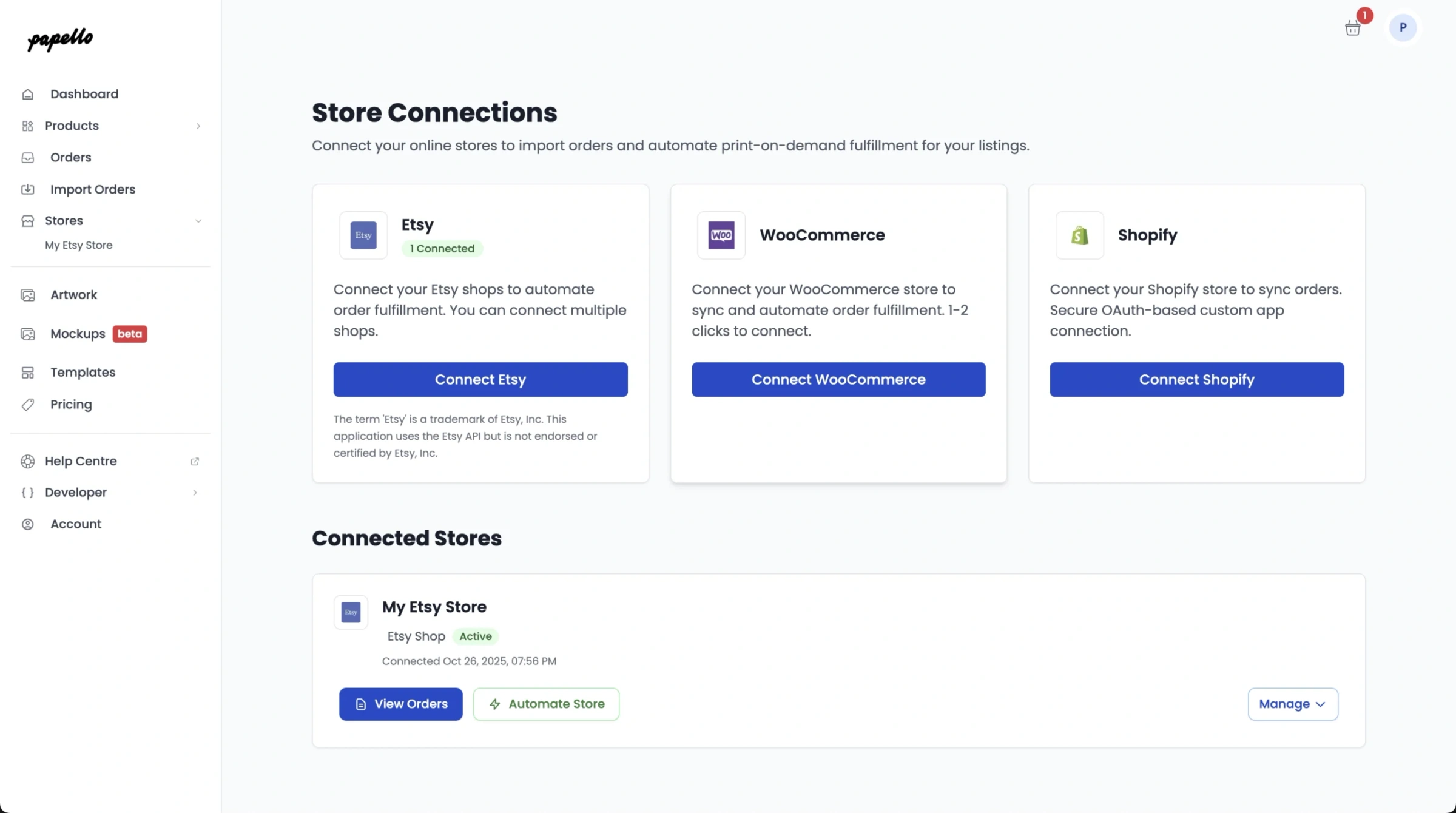
3. You will be redirected back to the Papello Dashboard. Your Etsy shop is now connected to Papello!
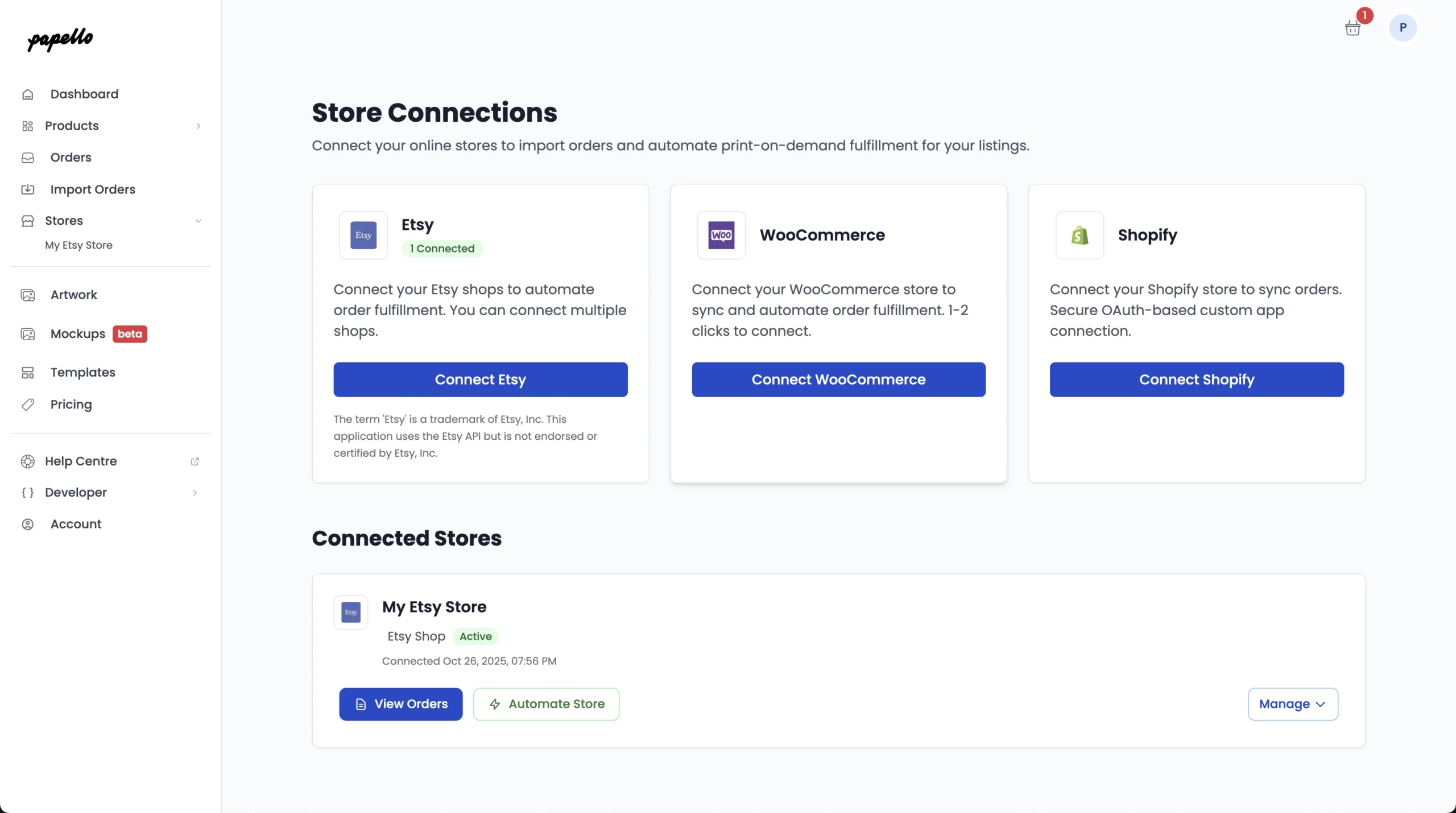
4. You can now view any pending Etsy orders from your store by clicking “View Orders”
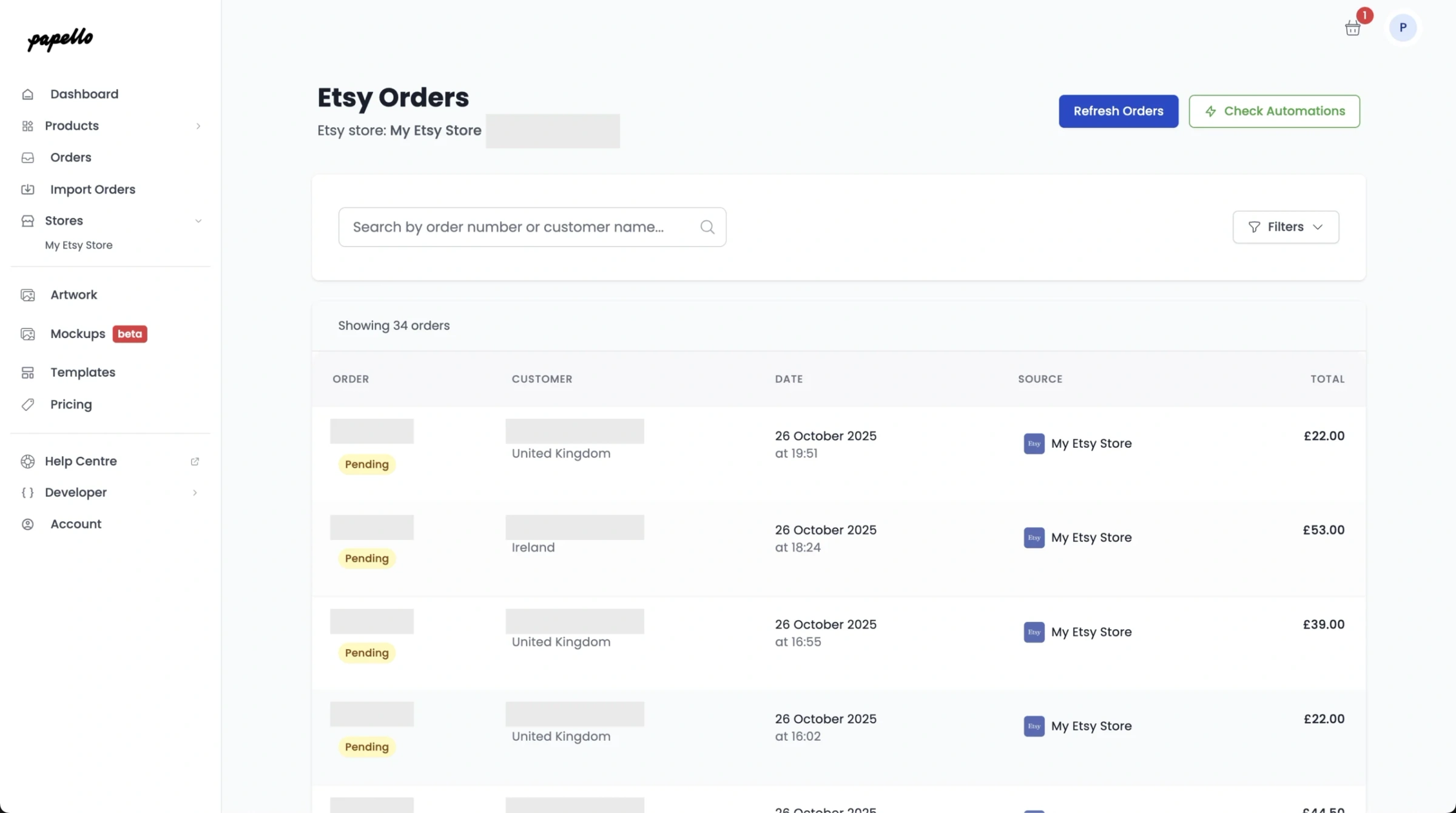
That’s it! You’ve connected your Etsy shop.