
How to change your password
If you need to reset your password or have lost access to your account, you can quickly update your credentials by following these steps:
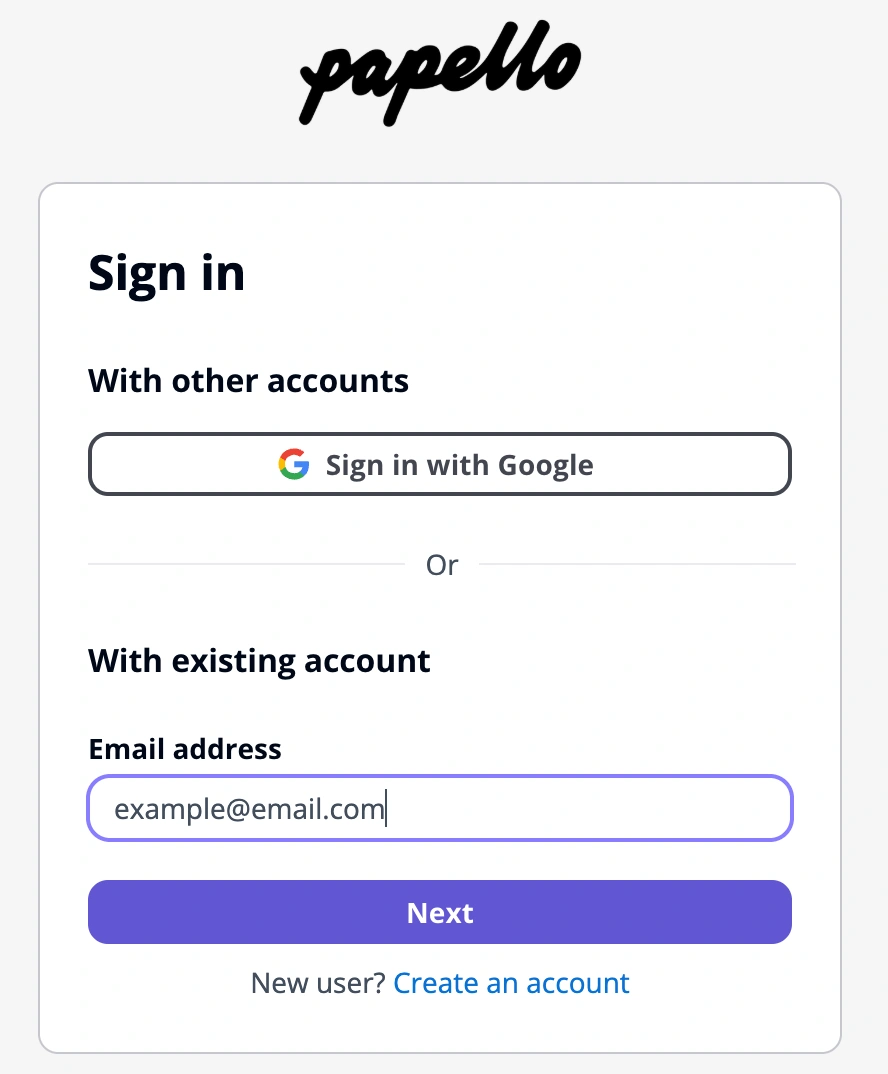
Visit the login page: Go to https://dash.papello.com/.
Enter your email: Input the email address associated with your Papello account and click Next.
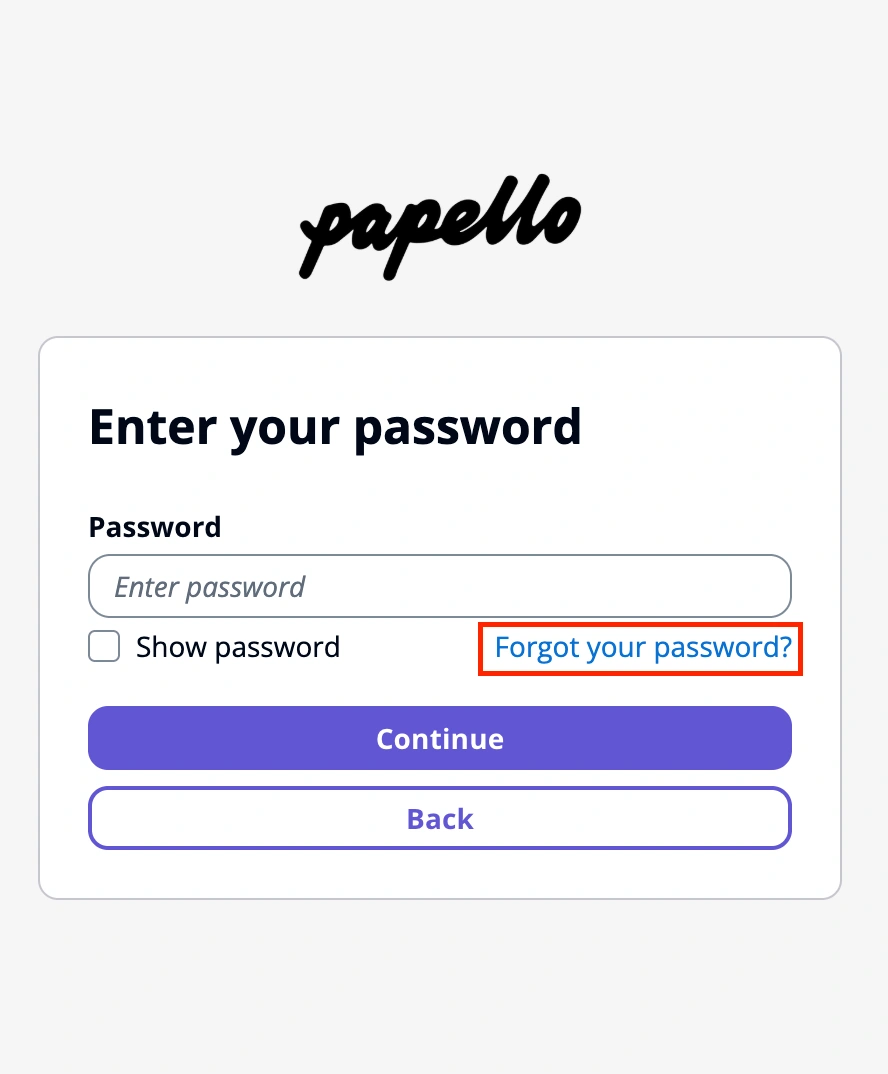
Initiate reset: On the following screen, click the link that says "Forgot your password".
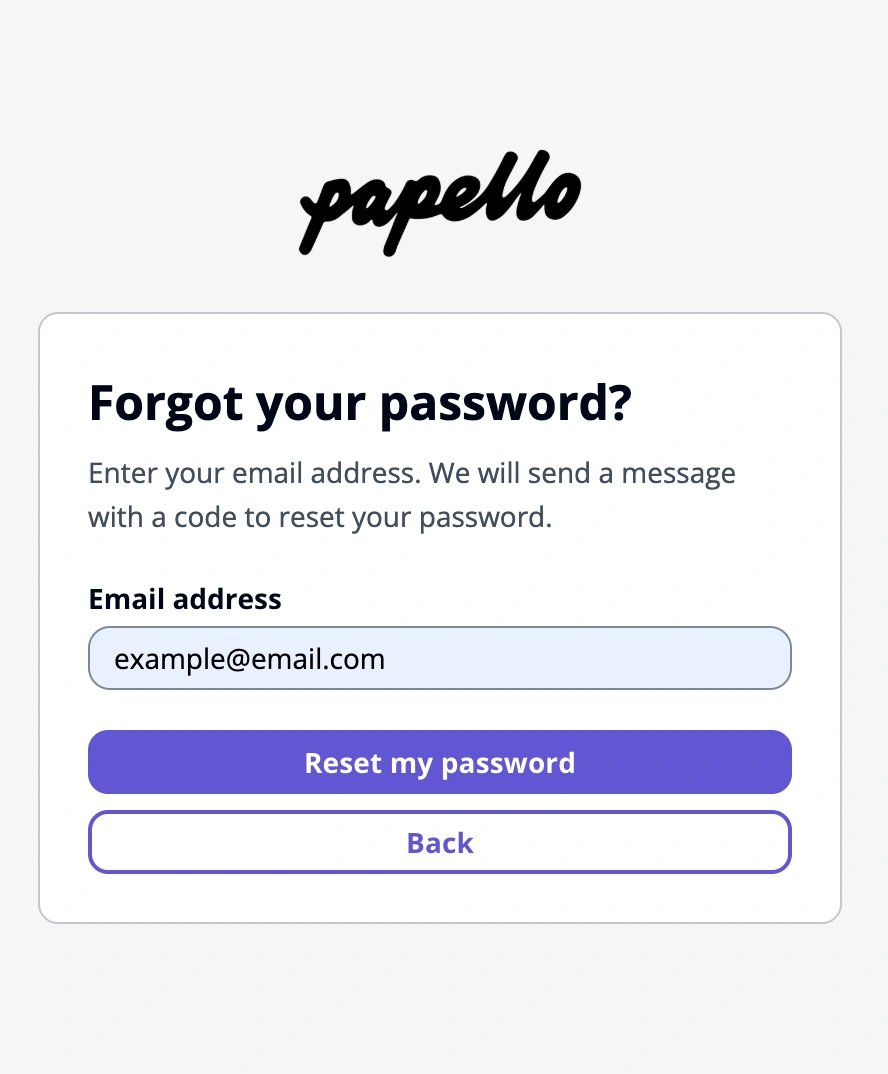
Confirm your request: Ensure your email address is correct in the field and click "Reset my password".
Verify and update: Check your inbox for a verification code. Enter the code on the reset screen, choose a new secure password, and click "Change Password".
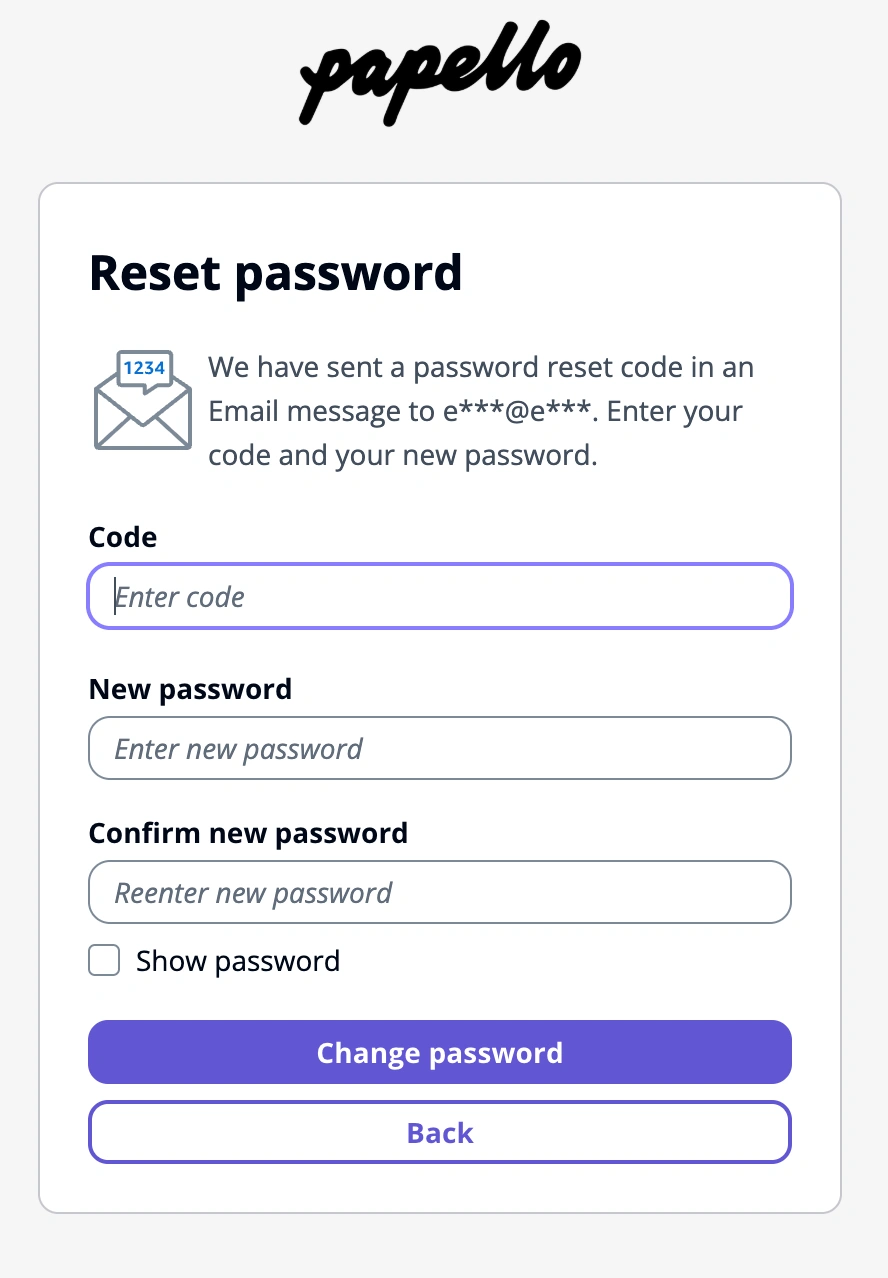
Once completed, you will be able to log in immediately with your new credentials.
Security Tip: If you do not receive the reset email within a few minutes, please check your spam or junk folder.