
How can I add the VAT ID to the invoices?
If your business is VAT registered, you can add your identification number to your account settings. This ensures that the information is automatically included on the official invoice PDFs generated for your orders.
Steps to add your VAT or Tax Number:
Log in to your Papello dashboard.
Navigate to the Billing section of your Account.
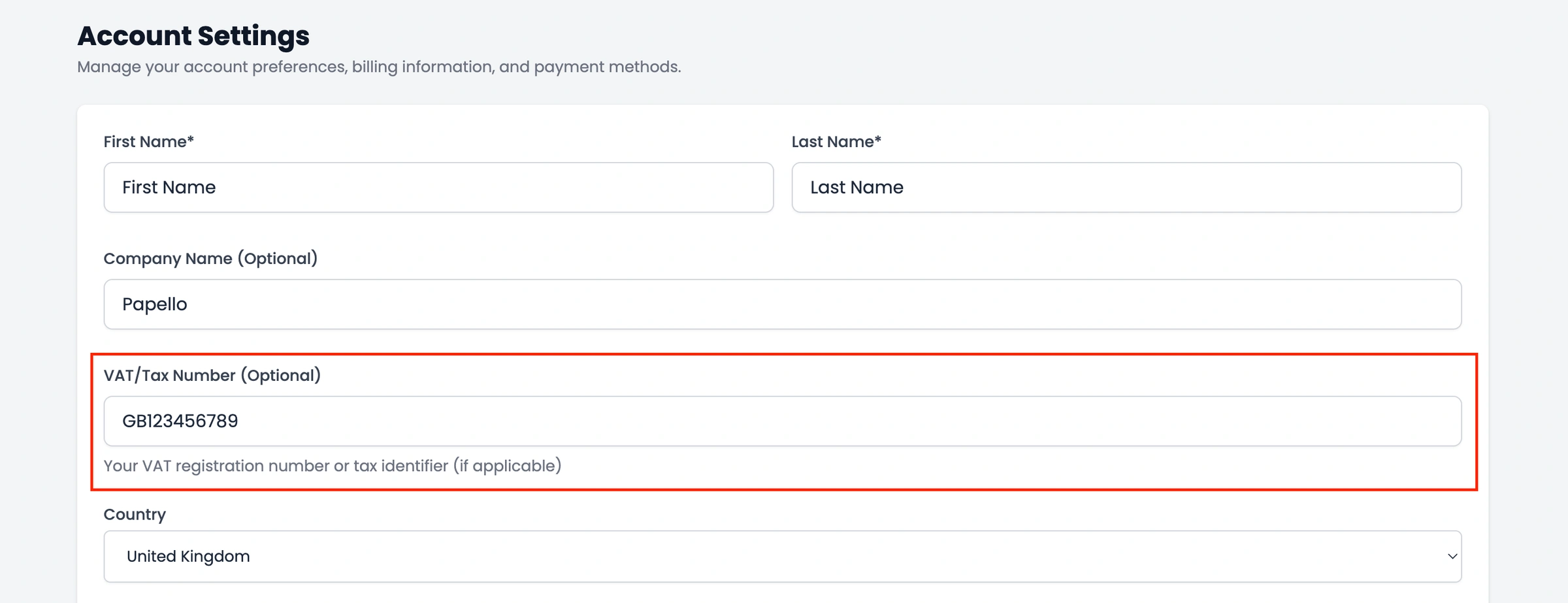
Locate the field labelled VAT/Tax Number (Optional).
Enter your valid VAT or Tax identification number.
Save your changes.
Once this number is saved, it will be pulled into the header or billing information section of your Invoice PDFs. You can then download these updated invoices by visiting your Orders page and clicking "Generate Invoice PDF" for any paid order.
Note: Please ensure the format of your VAT number is correct (including the country prefix where applicable), as this information is printed exactly as entered for your tax compliance records.