
If you’ve already created a new Etsy delivery profile, we can now assign it to a listing in your Etsy shop, here’s how:
1. From your Etsy Seller dashboard, go to Listings and select a listing to edit.
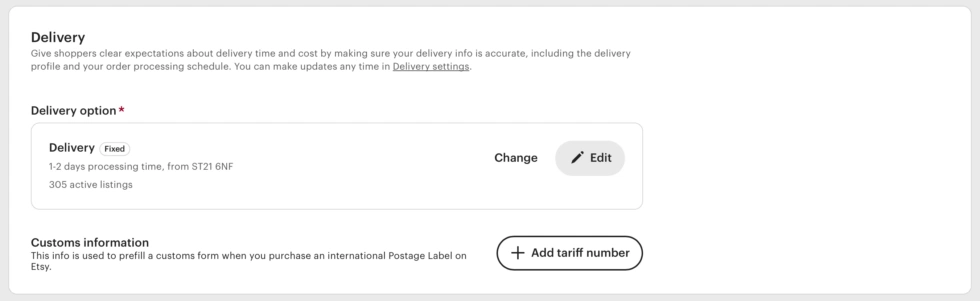
2. Scroll down to the “Delivery” section of your listing and click “Change“
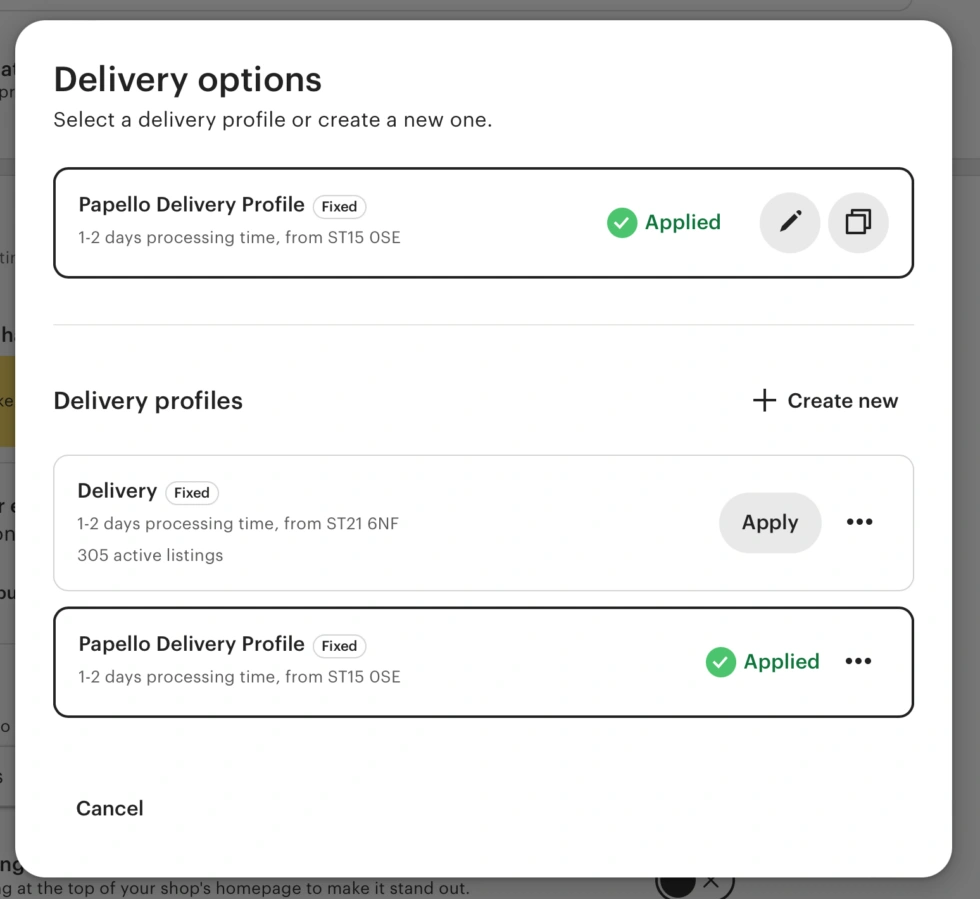
3. In the pop-up window, click “Apply” on the newly created delivery profile.
4. Publish the changes to your Etsy listing. That’s it!